
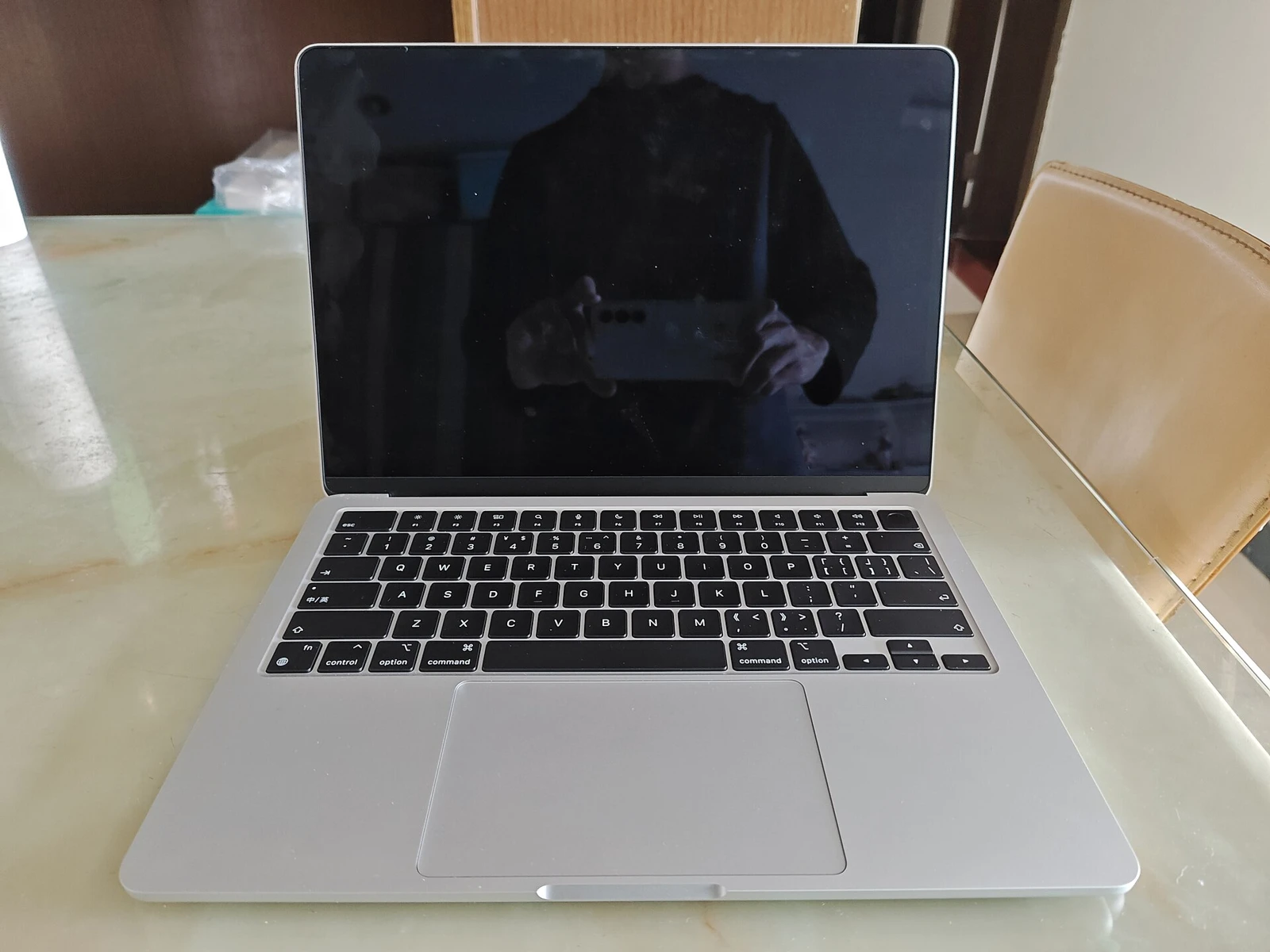
Original editorial analysis of published product information. NUOMILI has not hands-on tested this product. No lab scores or measured performance claims are presented.
The best laptop purchase often starts with a smaller question: what do you actually need to carry? The 13-inch MacBook Air M2 is worth considering as a compact macOS machine for writing, research and everyday office work. Its appeal depends less on chasing a benchmark and more on choosing a configuration that will remain useful.
Design that earns its place in a bag
A travel laptop has to justify every accessory around it. A smaller charger, fewer adapters and a sensible carrying sleeve can matter as much as the machine itself. The Air’s compact format makes it a natural candidate for commuters, students and people who regularly move between a desk and a meeting room.
Apple lists a 13.6-inch display, a weight of 1.24 kg and MagSafe charging for this model. Those specifications suggest a useful balance between screen space and portability. They do not tell us whether the keyboard will suit your hands or whether the screen will be comfortable in your particular workspace. Try those things in person when possible.
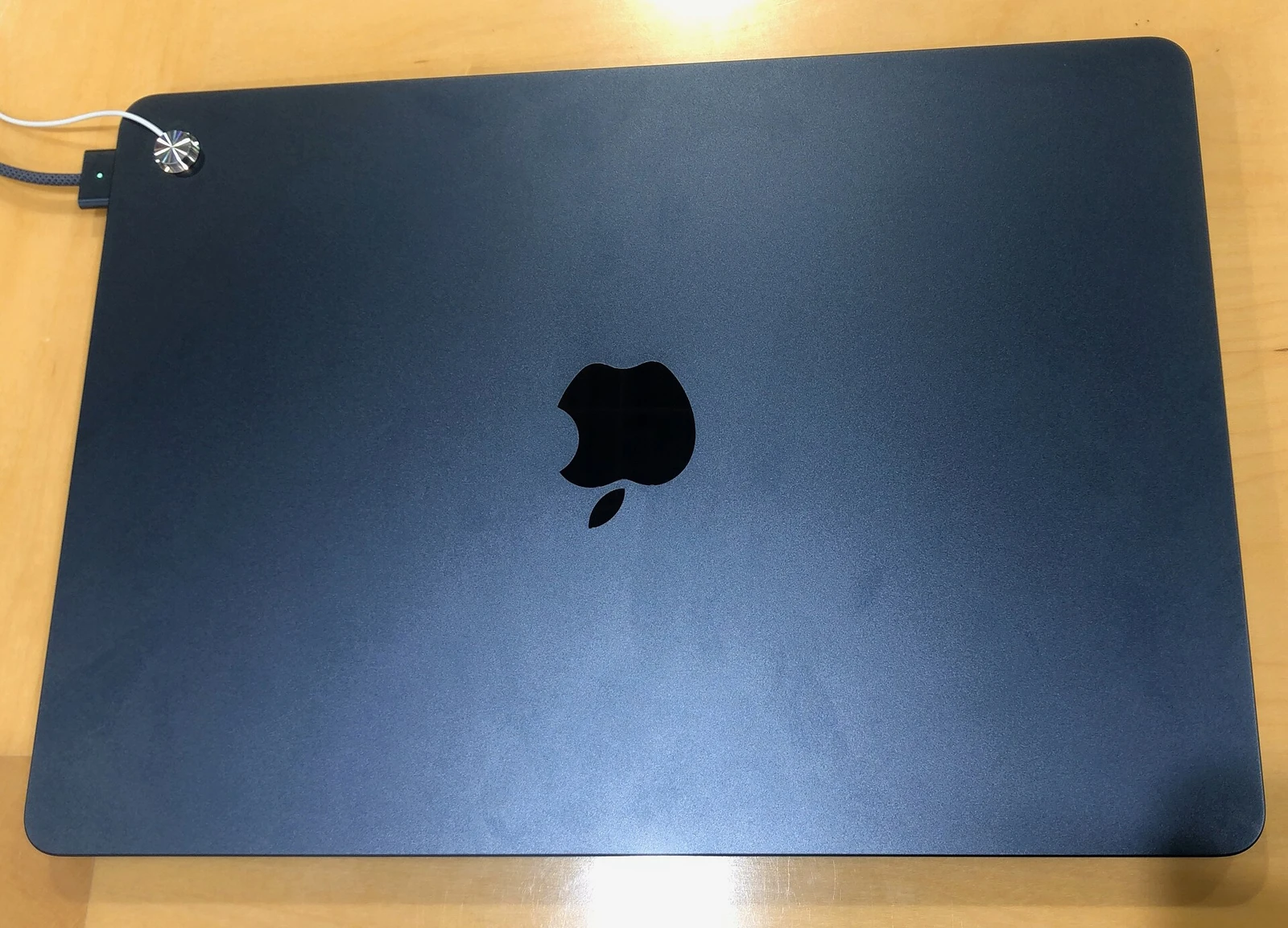
Choose the configuration before the discount
Memory and storage decisions deserve more attention than the colour. A buyer who keeps many browser tabs, spreadsheets and creative applications open should look carefully at the available memory configuration. Paying less for a machine that immediately constrains your work can be a false saving.
For storage, start with the files you need offline rather than your total cloud library. Add room for applications, working documents and temporary project exports. External storage can help with archives, but carrying a drive everywhere changes the simplicity that made this laptop attractive in the first place.
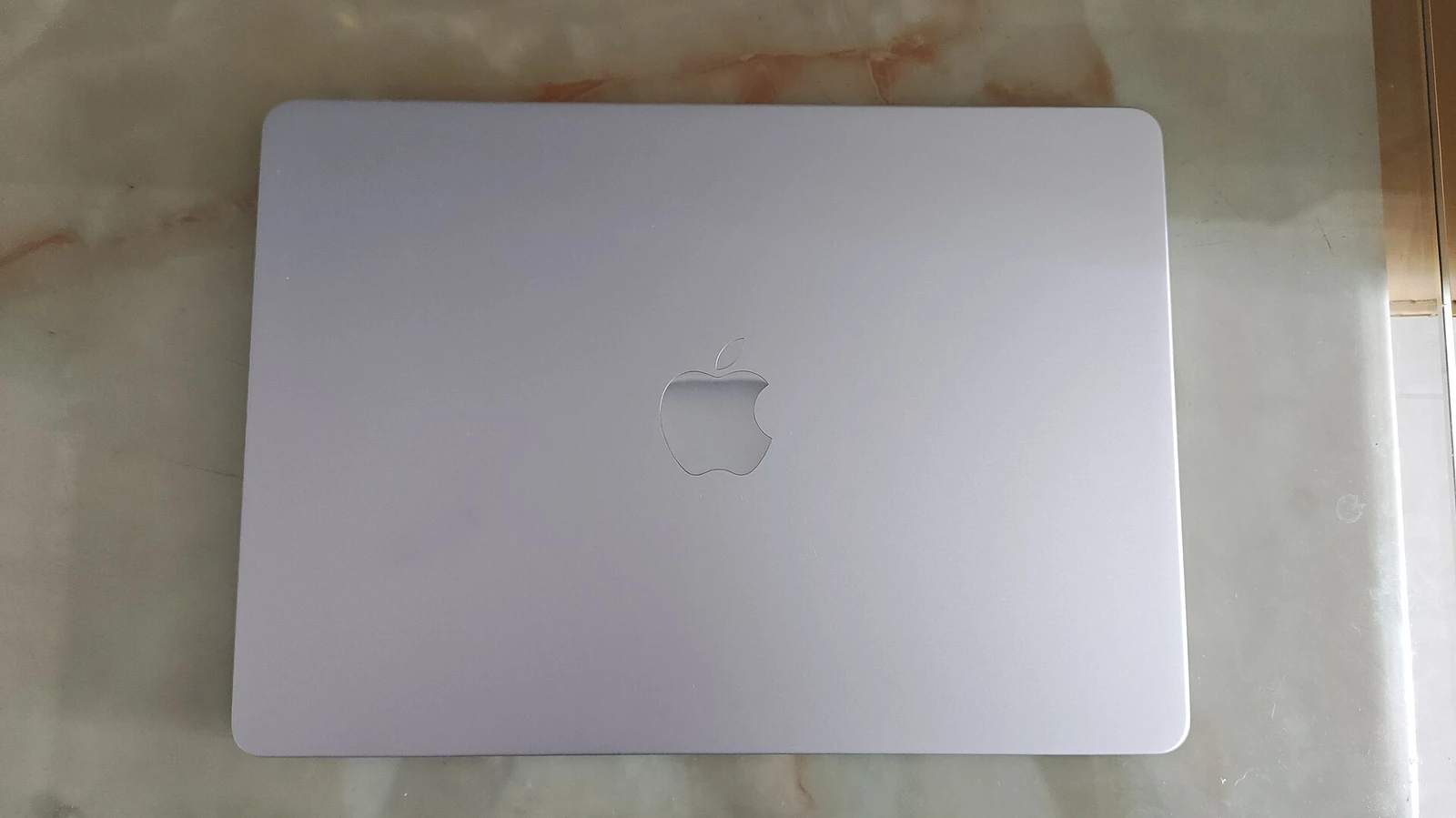
Think about the desk as well as the journey
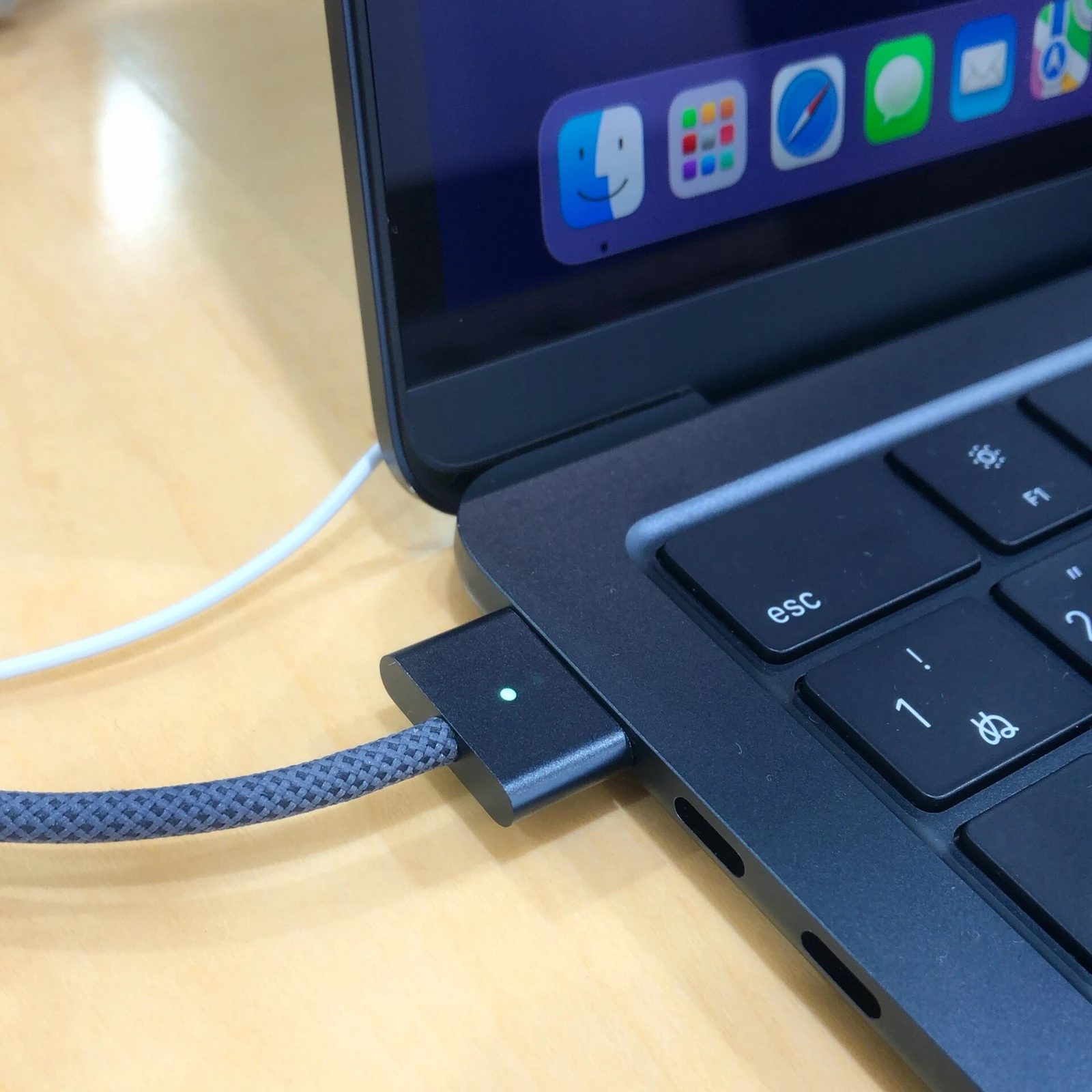
Apple specifies two Thunderbolt / USB 4 ports and support for one external display. That is a meaningful limitation for a workspace built around multiple monitors or several wired accessories. Map your connections before buying and include the cost of any suitable hub in your comparison.
A laptop can feel excellent on a sofa and awkward at a desk if its ports do not match the rest of your equipment. Check your monitor cable, webcam, storage and power arrangement together. A reliable daily setup is a better goal than a spec sheet that looks impressive in isolation.
What this assessment cannot establish
We have not measured battery endurance, display accuracy or sustained performance on a review unit. Manufacturer claims are useful for identifying features, but they are not a substitute for controlled testing. We therefore do not award a performance score or promise a particular number of working hours.
For a used or refurbished example, inspect battery condition, the return window, the keyboard layout and any activation or organisation-management restrictions. Confirm the exact memory and storage shown in the operating system. The same model name can conceal very different buying propositions.
The balance sheet
Pros
- Compact format for work on the move
- MagSafe keeps a USB port free while charging
- A focused option for an existing macOS workflow
Cons
- One external display in the published specification
- A hub may be needed for an accessory-heavy desk
- Used condition and configuration need careful checks
Who should buy it?
Consider it if you want a portable Mac for documents, browsing, study and moderate creative tasks. Look elsewhere if your work requires several external monitors, upgradeable components or sustained workstation workloads.
The NUOMILI verdict
MacBook Air M2 (13-inch, 2022)
The Air M2 makes the strongest case when portability and a straightforward macOS workflow are your priorities. Buy the configuration that fits your work, assess its condition carefully and compare the complete setup cost with newer alternatives. A low sticker price alone is not enough.
Sources & method
Published October 20, 2026. This is an independent desk assessment, not a report of first-hand use. Specifications identify the product; buying advice is our editorial interpretation. Availability, compatibility and condition should be checked before purchase.
Apple: MacBook Air (M2, 2022) technical specifications. Photography is independently licensed; it is not evidence of NUOMILI testing. See image credits and licences.
This article contains no paid placement or affiliate tracking links. Read our disclosure.
_Interface.jpg)

_front.jpg)


